
Sales Leaderboard
Start with four reps at zero, choose a metric and enter the totals manually. The sales leaderboard setup and contest brief cover scoring rules, corrections and sharing on an office TV.
Use Sales TemplateKeep points for a classroom game, office contest or game night. Start a blank board or choose a template, enter scores, and share the live rankings.
One guest board to start. Free shared boards include 50 total views; viewers need no account.
Every board has a corresponding admin page where the leaderboard creator has full control to edit scores, colors, teams, etc. This page is useful for scorekeepers and board administrators alike, allowing for fine-tuned control of the competition at hand.
Choose a leaderboard template
A massive variety of themes to pick from like sports, business, holidays, history, music, and film. New themes are added regularly and you're sure to find one that matches the desired vibe of your competition.
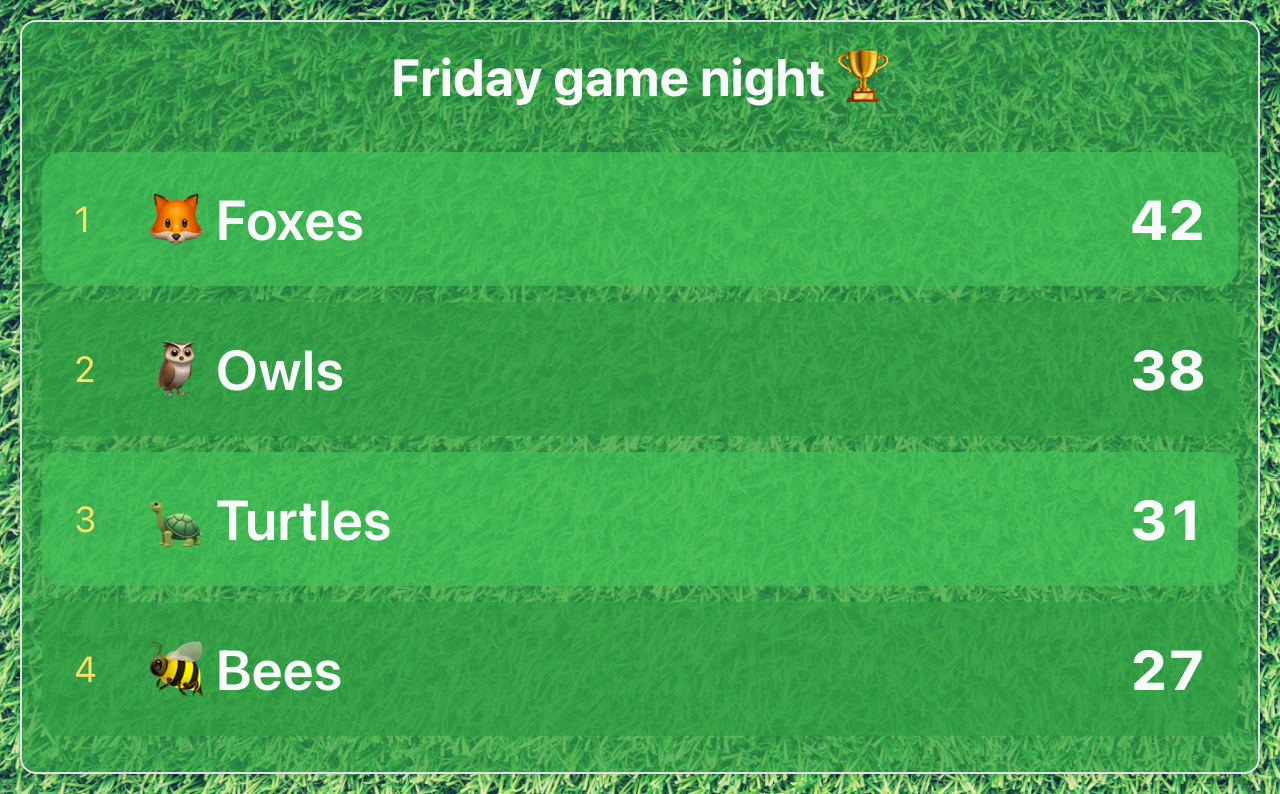
Full customization control over your leaderboard, from the color scheme, background image, competition name, even the fonts! When you keep the score with ScoreKeeperCo, you can do it in a way that fits you and your group best.
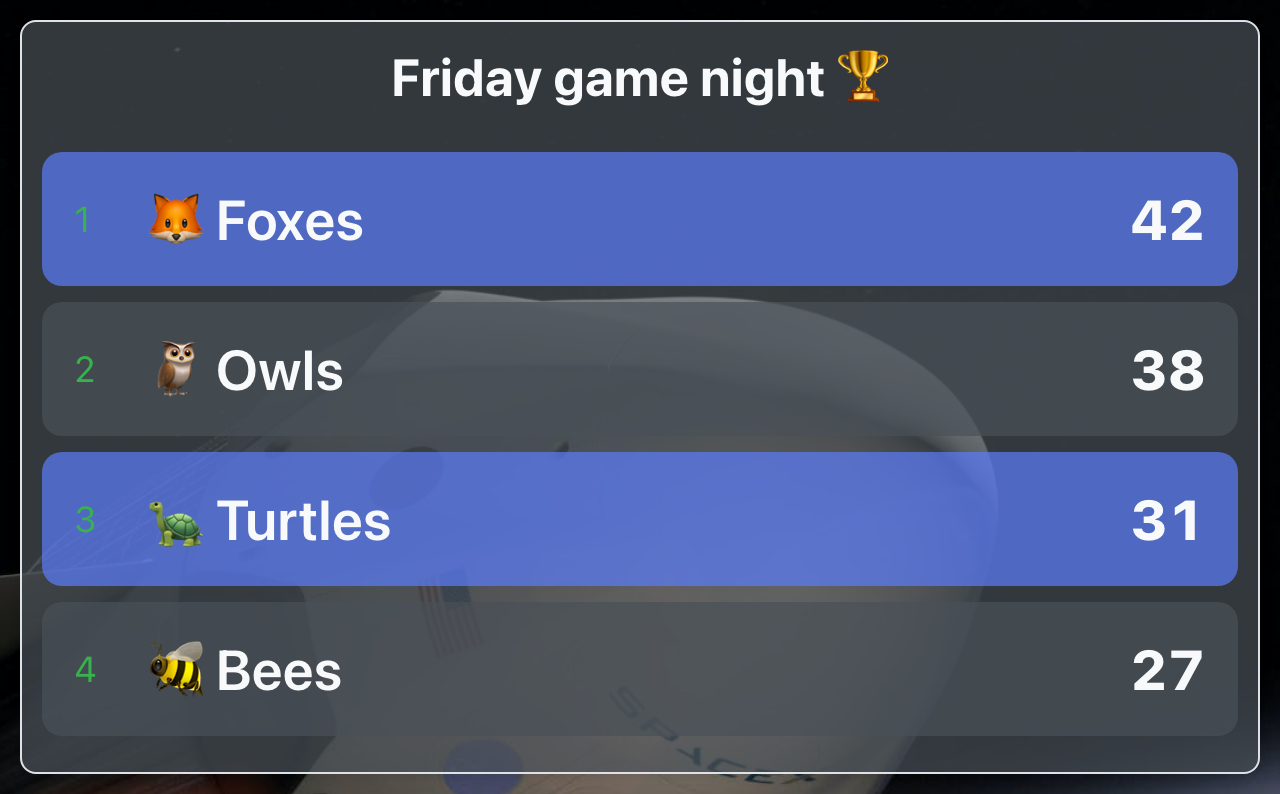
Start with named entries at zero, then edit the title and totals on the scoring page. Each board tracks one numeric total per entry. Browse the leaderboard templates and starting names for six activities. Start one guest board, or keep up to 10 with a free account. Free shared boards include 50 total views each; custom colors and branding require Pro. Need separate scores for several rounds? Set up activities and overall standings.
Start with four reps at zero, choose a metric and enter the totals manually. The sales leaderboard setup and contest brief cover scoring rules, corrections and sharing on an office TV.
Use Sales TemplateStart with Red, Blue, Green and Yellow House at zero points. Rename the teams, enter totals after each activity, and open the spectator view on your classroom screen.
Use Classroom TemplateStart with three teams at zero and track one running points total per team. Enter scores manually and show the rankings on a TV or projector. For match fixtures and calculated standings, use the league table maker.
Run a CrossFit WOD board, step challenge, weight-loss group, or cycling club ladder. Enter checked reps, miles, or minutes manually and share the rankings.
Use Fitness TemplateDisplay team totals for a fundraiser or volunteer-hour drive. Enter amounts from your own records and share the updated rankings. The board does not collect payments or import donations.
Smash Bros nights, speedrun races, trivia tournaments, and online esports events. Theme-ready visuals, supports as many players as you can fit on screen.
Hosting a quiz? The trivia night scoreboard includes setup instructions and a printable round log.
Use Gaming TemplateTrack sales performance and motivate your team with a real-time sales leaderboard. Display on a TV in the office, update as deals close, and watch competition drive results. Perfect for quarterly contests, monthly targets, or ongoing performance tracking.
Run a review game with table teams or individual aliases. Try the classroom leaderboard to keep points and show standings, then use its points-system guide to plan the rules and display the standings.
From fitness challenges to trivia contests, make any office competition more engaging with a live leaderboard. Display in the break room, share via Slack, and let the friendly rivalry begin.
Track donations, volunteer hours, or event participation. Supporters can watch progress in real-time, creating excitement and encouraging more contributions toward your goal.
Build a ranked leaderboard for anything — sales contests, classroom challenges, sports tournaments, fitness leagues, fundraisers, or gaming events. Our free online leaderboard maker auto-sorts participants by score, updates live across all viewers, and runs on any device. Pick a template, add names, start tracking.
Choose 'Start a blank board' or a template, then name your competition and edit the participants. Update scores on the scoring page — rankings re-order automatically. Select 'Share leaderboard' for the spectator link: viewers do not need an account. Open it on a break-room TV, project it in a gym, or send it to your group.
Start a sales leaderboard, classroom game, sports points competition, fitness challenge or fundraiser with named entries and zero scores. Each leaderboard tracks one numeric total per entry. Edit the title, names and totals after creation, and choose a standard theme. Custom colors and branding are available on Pro.
Saved scores sync to connected spectator views, and rankings sort automatically. The scorer uses the editing page while the audience follows a read-only link. An internet connection is required; disconnected devices receive updates when their connection returns.
Sales managers running monthly contests on a breakroom TV. Teachers running classroom review games. Nonprofits displaying fundraiser progress. Running clubs posting 5K results. Corporate event planners running trivia nights. Esports organizers running Smash Bros brackets. CrossFit boxes posting WOD scores. Anyone who needs rankings displayed clearly and updated live.
Creating a leaderboard takes seconds. You can update scores and edit the board from the board administration panel
Share a read-only link to anybody you want to have view access to the leaderboard
Whenever the scorekeeper updates the board, all viewers will see the scores updated immediately
Get 50% off every Pro and Studio plan or pass for church, nonprofit and educational use. Verify your email and eligibility to receive your own discount, applied automatically at checkout and on renewals.
Start a leaderboard, enter your scores and share the rankings.
Create a Leaderboard