A ranked, honest look at the best ways to add a scoreboard overlay to OBS — from a free built-in browser source to manual text sources and other tools.
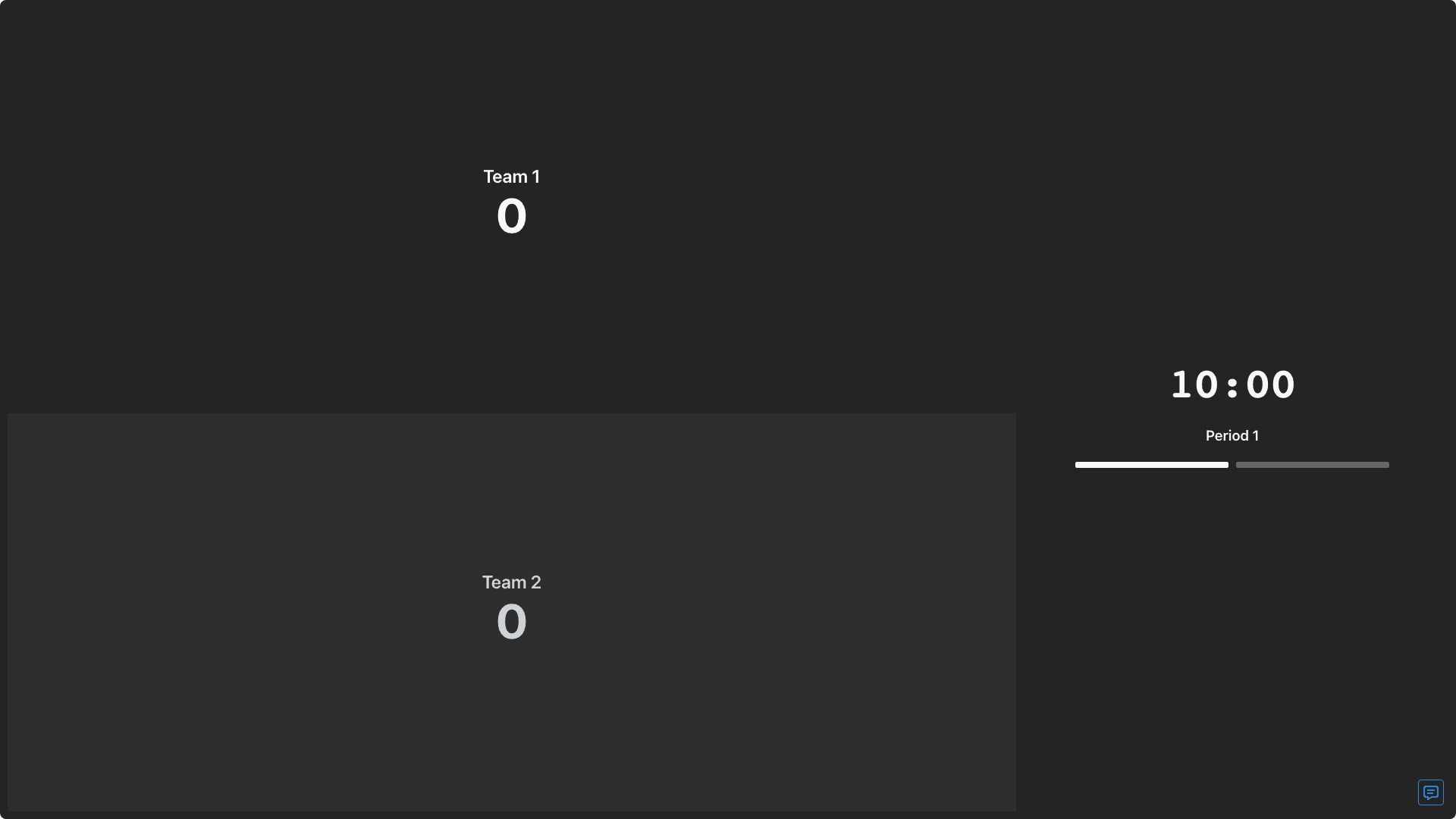
Paste one embed URL into an OBS Browser Source and get a chroma-key transparent scorebug that layers over your video instantly.
ESPN-style, minimal, vertical, or classic — all scorebug layouts are available on the free tier, no upgrade required to try them.
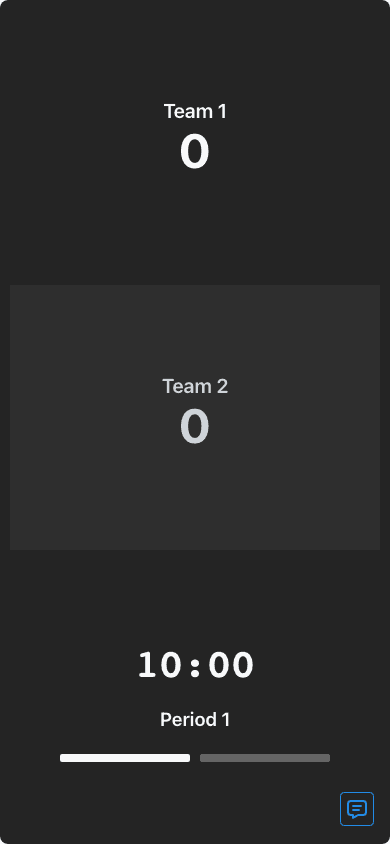
Change the score from a phone and it updates in the overlay instantly — no need to switch to OBS or retype anything mid-stream.
ScoreKeeperCo's score bug is a transparent browser-source overlay purpose-built for streaming: copy the embed URL, paste it into a Browser Source in OBS, and you have a broadcast-style scorebug with a chroma-key transparent background. All scorebug styles are available on the free tier, and scores update automatically the moment the admin panel changes — no manual editing of on-screen text mid-stream. See the full OBS live scoreboard setup guide for exact steps.
The simplest alternative is a plain OBS Text (GDI+) or Image source that you edit by hand whenever the score changes. It's free and requires no third-party tool, but it's entirely manual: you have to switch to OBS and retype the score during live play, which is slow, error-prone, and impossible to hand off to someone who isn't at the streaming computer. There's also no remote sync — if you want someone courtside to update the score, they'd need direct access to your OBS machine.
Other browser-source scoreboard tools and paid stream-graphics packages exist in this space too. KeepTheScore, for example, advertises OBS and browser-source integration on its free tier, alongside features like team colors, a game clock with buzzer, and remote score updates from a phone or tablet — see our verified breakdown in the FAQ and comparison pages for specifics. Paid stream-graphics packages generally offer more elaborate animated overlays but usually require a subscription and more setup time than a straightforward scoreboard browser source.
Was manually retyping the score into an OBS text source before this. Switching to the browser source overlay saved me from missing plays while I fumbled with OBS.
Trevor N.
Twitch Streamer
Cleveland, OH
Set it up for our JV broadcast in under five minutes. Transparent background just worked, no green screen needed.
Coach Alvarez
High School AV Advisor
El Paso, TX
Compared a couple overlay options before settling here. Free tier had everything we needed for a weekend tournament stream.
Sam K.
Livestream Producer
Madison, WI
