We compared the leading free scoreboard apps — ScoreKeeperCo, KeepTheScore, and ScoreCount — on real, verified features so you can pick the right one for your team, tournament, or stream.
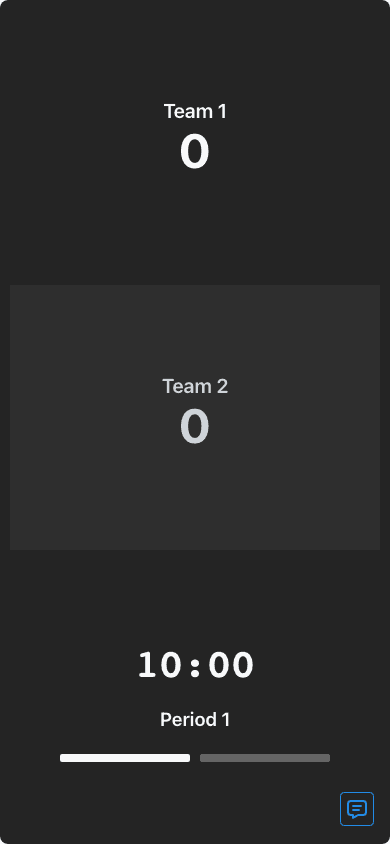
Basketball, football, soccer, baseball, hockey, volleyball, pickleball, tennis, softball, cricket, and more — available free. Start one guest board or up to 10 boards with a Free account; each Free shared board includes 50 total views.
Control the score from your phone and share a read-only link with spectators — everyone sees updates instantly, with no account required to start.
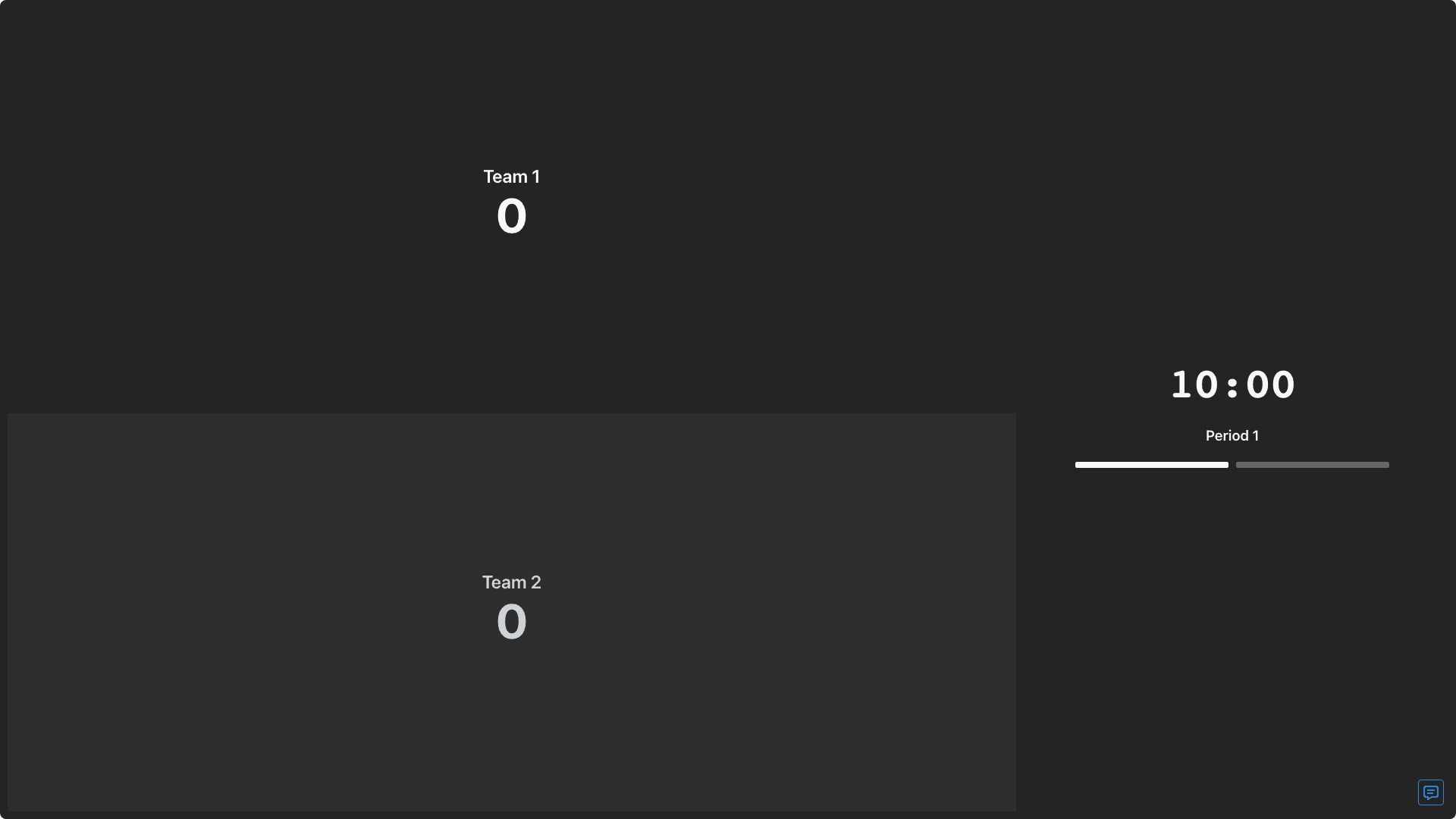
Transparent chroma-key scorebugs drop straight into OBS, Streamlabs, or vMix as a browser source — free on every plan.
ScoreKeeperCo's free tier includes every board type (basketball, football, soccer, baseball, hockey, volleyball, pickleball, tennis, softball, cricket, and more), one guest board or up to 10 boards with a Free account, real-time sync, shareable admin and viewer links, all scorebug styles for streaming with transparent chroma-key backgrounds, embed URLs, and home-screen shortcuts in supported browsers. Each Free shared board includes 50 total views. It's built specifically as an online scoreboard that multiple devices can watch at once — no download required, see the full scoreboard app breakdown for how the controller and display split across devices.
Pros: genuinely free core product, streaming/OBS overlay support built in, wide sport coverage, real-time multi-device sync, no signup required to start.
Cons: free-tier embeds carry a small "Powered by ScoreKeeperCo" watermark; Free displays may show ads and have a 50-total-view limit. Custom colors and team or sponsor logos are paid Pro features. See pricing for what each tier unlocks.
KeepTheScore markets its core scoreboard as free forever with no account required for basic use. It covers +1/+2/+3 score controls, periods, possession, timeouts, fouls, team colors/logos/custom fonts, a traditional or scorebug layout, a game clock with buzzer, OBS/streaming browser-source integration, remote score updates from a phone or tablet, and a tournament bracket maker. It advertises large scale — reportedly 2.8M+ boards and around 172K users. Paid plans exist but prices aren't published publicly; they're described as flexible plans that reportedly add custom branding, sponsor logos, ad removal, and advanced streaming overlays. Pros: strong social proof, bracket maker bundled in, wide feature set on the free tier. Cons: paid plan pricing isn't transparent, so it's hard to know upfront what unlocking full branding will cost.
ScoreCount positions itself as entirely free, with no pricing tiers or plans shown, and appears to be ad or sponsored-link supported. It offers online score keeping for sports and competitions, a timer/stopwatch, customizable panels, colors, and team logos, player rosters with individual scores and fouls, one-link result sharing, and quick-start templates you can also design and save yourself. It's built to work with a projector or secondary monitor as a display. Pros: simple, flexible for almost any sport (or as a plain stopwatch/counter), no signup friction implied by its all-free positioning. Cons: no published streaming/OBS-specific feature set in what we could verify, and being ad or sponsor-link supported means the free experience may include ads.
A physical hardware scoreboard is the traditional alternative to any of the software options above. The tradeoffs are structural, not brand-specific: hardware has a real upfront cost (often hundreds to thousands of dollars), it's fixed to one location so there's no remote viewing or sharing with people who aren't at the venue, and it typically can't be updated from a phone the way a web-based scoreboard app can. A software scoreboard app trades that one-time hardware cost for a screen you already own — a phone, tablet, laptop, or TV — plus the ability to share the live score with anyone, anywhere, over a link.
A feature-by-feature look at the three options, using only publicly verified information. Anything we couldn't confirm is marked "Not published" rather than guessed.
| Feature | ScoreKeeperCo | KeepTheScore | ScoreCount |
|---|---|---|---|
| Free tier | One guest board or 10 Free account boards; 50 total shared views per Free board | Yes — core scoreboard free forever, no account required | Yes — positioned as entirely free |
| Streaming / OBS support | Yes — transparent chroma-key scorebugs, embed URL, all styles free | Yes — advertised OBS/streaming browser-source integration | Not published |
| Real-time remote score sharing | Yes — scoring and read-only links; Free shared-view limits apply | Yes — remote score updates from phone/tablet | Yes — share results via a web link |
| Team logos / colors | Pro: custom colors, team and sponsor logos, watermark removal | Yes — colors, logos, and custom fonts | Yes — customizable panels, colors, and team logos |
| Tournament brackets | Yes — separate dedicated bracket maker | Yes — built-in bracket maker | Not published |
| Setup time | Seconds, no signup required | Advertised as under 60 seconds, no downloads | Not published |
Tried a couple of the other free scoreboard apps first but they either wanted an account or buried the OBS overlay behind a paid plan. This one just worked.
Casey L.
Rec League Commissioner
Denver, CO
Compared three options before our tournament weekend. Ended up here because the free tier actually included the streaming overlay we needed.
Marcus T.
Tournament Director
Nashville, TN
Free and no download beat the app-store options I looked at. Set it up on my phone and had it on the gym projector in under a minute.
Renee A.
PE Teacher
Phoenix, AZ
