
Online buzzer system
Players buzz in from their own phones. The first buzz locks everyone else out.
Free for up to 8 players · No app or sign-up
How it works
- Start a room. You get a 4-letter code, a join link and a QR code to show the players.
- Players open the link on their phones and type a name.
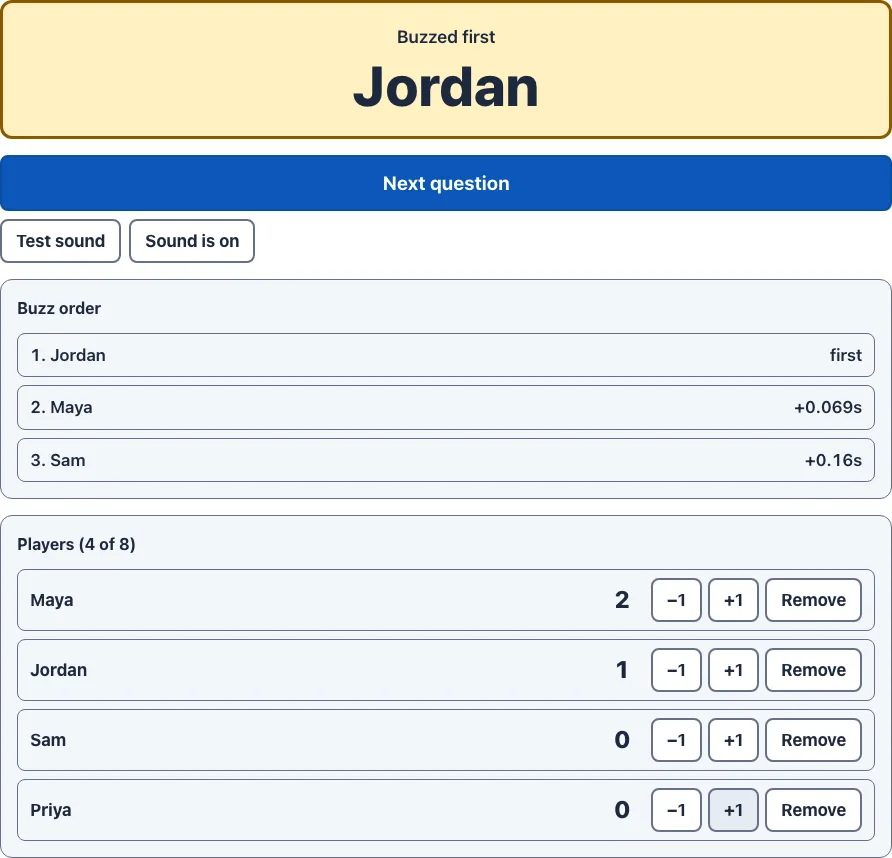
- Ask a question. The first buzz wins and locks the others out. Award points, then press Next question.
Run a trivia night or game show
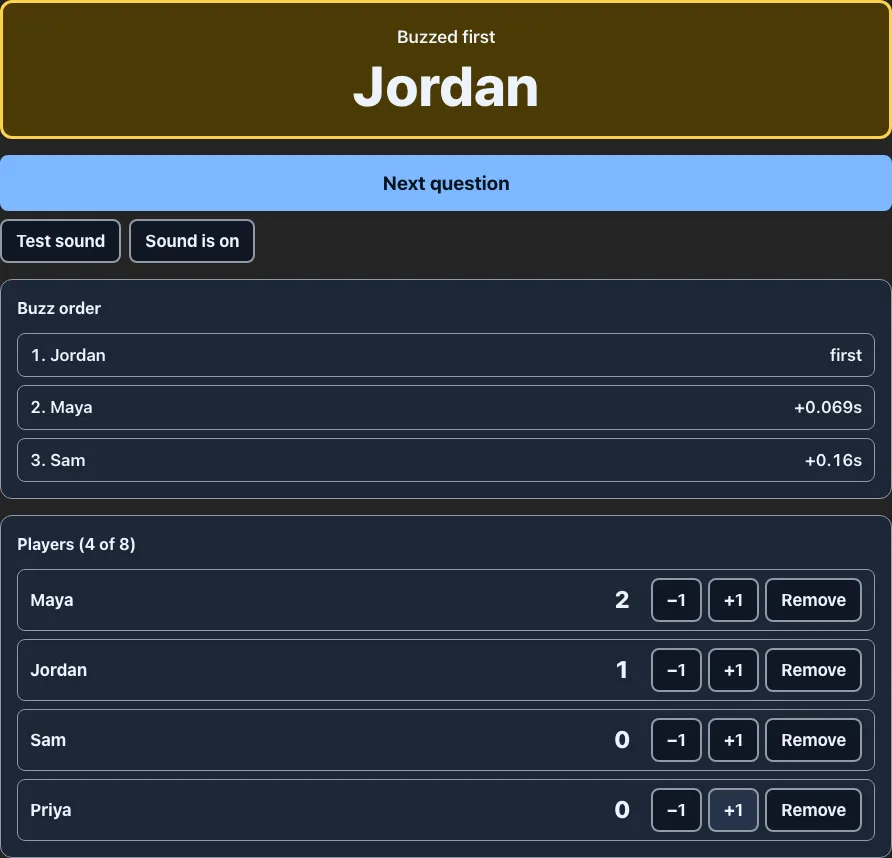
Ask the question, let players buzz, and the host page shows who was first and by how much. Use +1 or −1 under a player's name to award or take away points, then press Next question to open the room for everyone again. The room keeps its own scores for this game. To carry totals across rounds and show rankings on a screen, add a trivia night scoreboard and enter the points there. Want a countdown for each answer? Add the online timer.
Use it in a classroom
Students with phones or tablets join with the code and buzz to answer review questions, so the quickest hand is not a guessing game. Share the code on the board, and use Remove if someone joins under a name that should not be there. For points that last across a unit, record results in the classroom leaderboard. If students do not have devices, the one-device buzzer sound still works as a host signal.
Who buzzed first?
Each buzz is stamped with the time our server receives it, and the earliest stamp wins. The host sees every buzz in order, with the gap behind the winner shown like +0.028s. Once the first buzz locks the room, later buzzes are not counted. Because phones reach us over different connections, a very small gap can reflect network speed rather than reaction time. Treat gaps of a few hundredths of a second as a tie.
Frequently Asked Questions
Related Tools
Buzzer Sound · Trivia Night Scoreboard · Classroom Leaderboard