Built for streamers running sports, esports, or games on OBS, Streamlabs, or vMix. Stop alt-tabbing to a browser tab or reaching for your phone to update the score - control your live score bug right from your Stream Deck with dedicated buttons for points, clock, period, and possession.
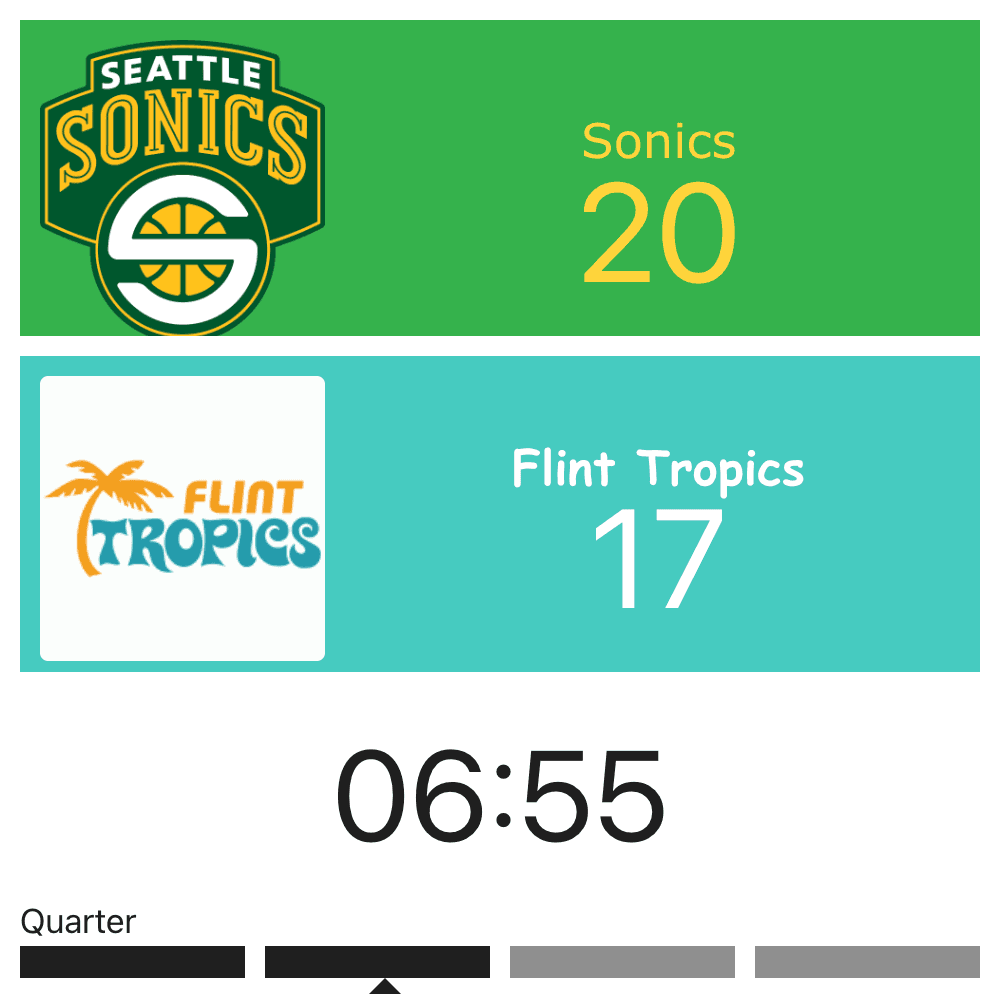
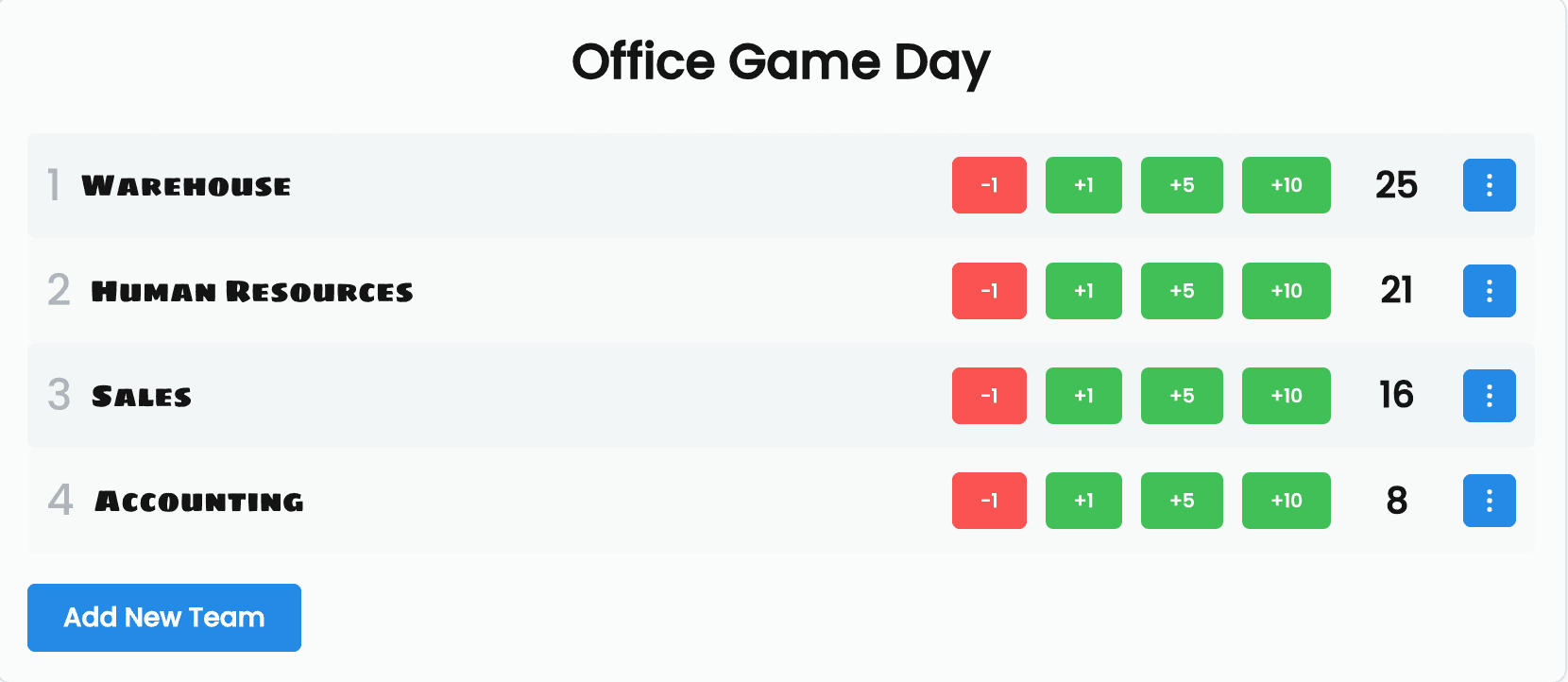
Generate a remote control token from the admin page once, then paste your board ID and token into any of the four Stream Deck actions. No account login required on the Stream Deck side - just the token.
Four dedicated actions cover the whole game: adjust either team's score by 1, 2, or 3, start/stop/toggle/reset the clock, advance or reverse the period, and toggle possession - all without leaving your Stream Deck.
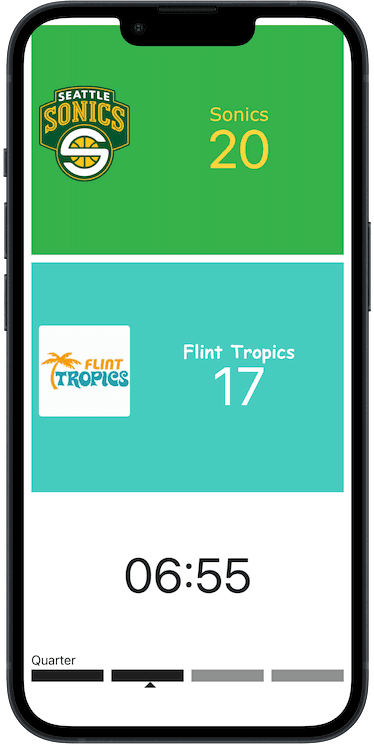
The plugin is free to install and use. Every button press hits the same live remote-control API your board already uses, so the score updates on your overlay instantly - no refresh, no delay.
Requires Stream Deck software 7.1+ on Mac or Windows. Free.
After downloading, double-click the file and Stream Deck will install it. Requires Stream Deck 7.1 or newer. Just shipped - if anything doesn't work, reply to any of our emails or use the Contact page and we'll fix it fast.
| Action | What it does |
|---|---|
| Points ± | Adjust either team's score by 1, 2, or 3 |
| Clock | Start, stop, toggle, or reset the game clock |
| Period | Advance or reverse the period/quarter |
| Possession | Toggle the possession indicator |
The plugin doesn't change how your overlay looks or where it's embedded - it just calls the same remote-control API behind the scenes. If you haven't set up the overlay itself yet, start with your score bug or the OBS scoreboard overlay guide, then come back here to control it from your Stream Deck.