
ScoreKeeperCo
Use Cases
PricingScoreKeeperCo
Add a live scoreboard to your Twitch stream without leaving your setup. Our free overlay runs as a transparent Browser Source in OBS or Streamlabs, built for basketball, football, baseball, softball, hockey, soccer, volleyball, pickleball, tennis, and more.
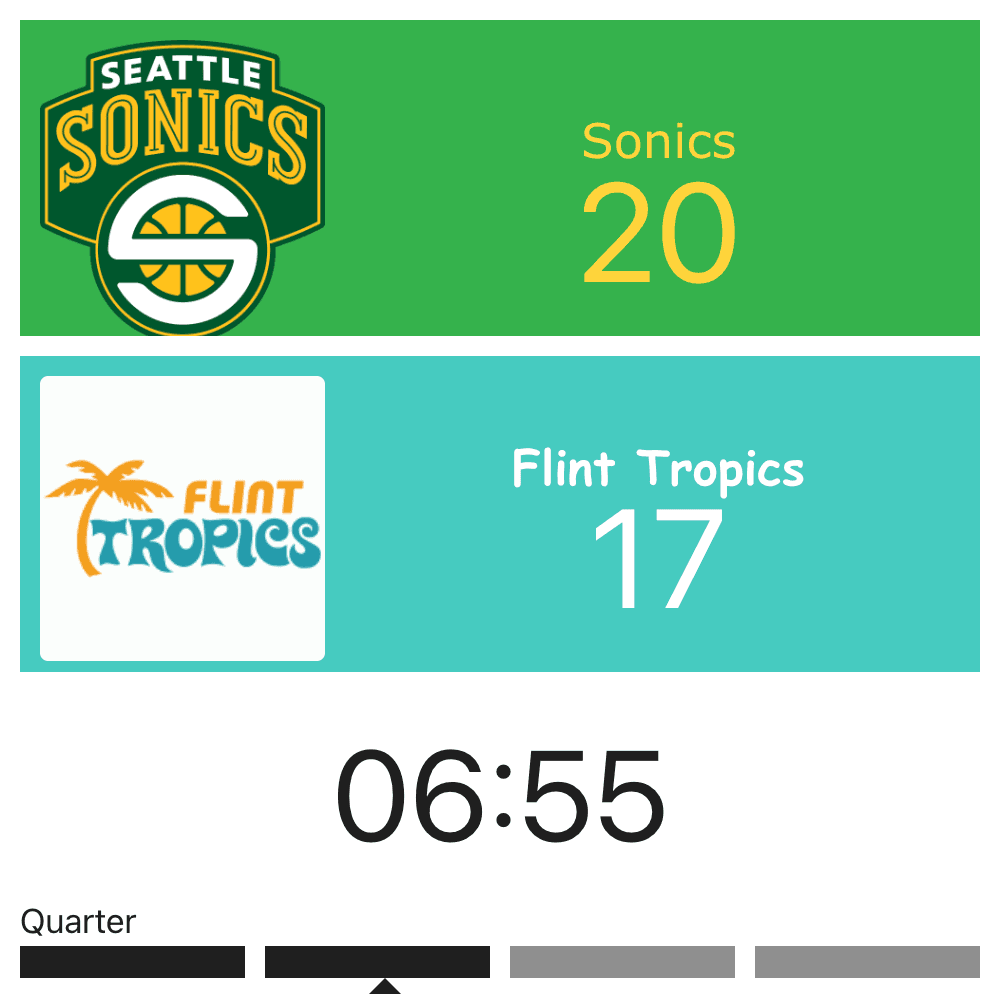
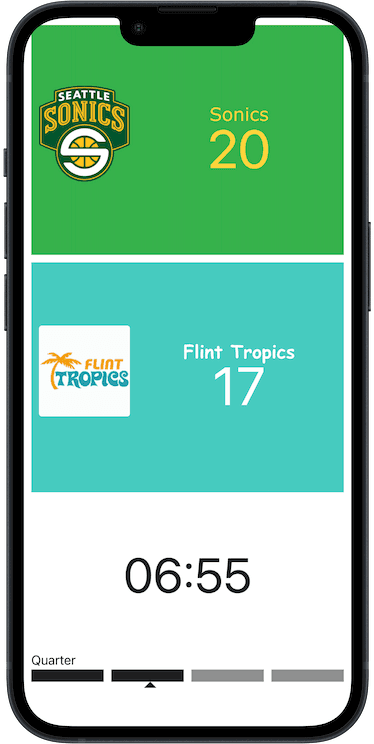
Grab your embed URL and add it as a Browser Source in OBS or Streamlabs, the same tools most Twitch broadcasters already run. The background is fully transparent, so the scorebug sits on top of your camera and game capture without a box around it.
Twitch layouts are crowded - chat box, follower alerts, subscriber goals. Resize and reposition the scorebug so it tucks above or beside your existing widgets instead of covering them. It's just a browser source, so it moves and layers like anything else in your scene.
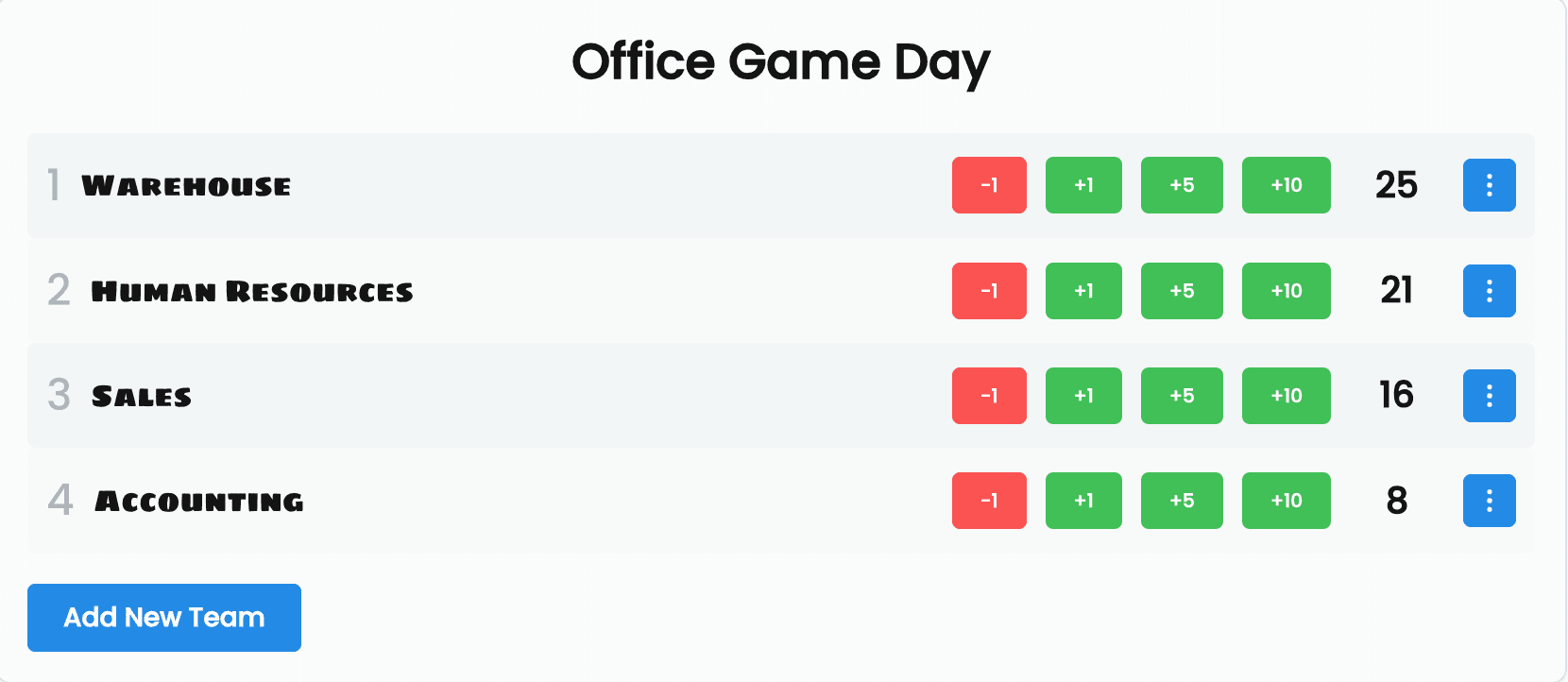
Keep your phone next to your keyboard and tap in score changes without alt-tabbing out of your stream or your game. The overlay updates on screen instantly, so your Twitch chat always sees the current score.
Stream rec league softball to about 40 people on Twitch, mostly parents who can't make the game. Added this overlay and now they actually know what's happening instead of just watching a field.
Casey N.
Twitch Streamer
Tulsa, OK
I co-stream local high school football with my brother - he's on camera, I'm running scores from the sideline. Chat stopped asking what the score is every two minutes.
Devon L.
Co-Streamer
Richmond, VA
Small Twitch channel, big chat energy during our beer league hockey nights. This overlay made it feel like a real broadcast instead of a phone propped on a tripod.
Priya S.
Affiliate Streamer
Madison, WI
You don't need to run the admin panel on your streaming computer. Keep OBS or Streamlabs pointed at your Twitch scene, and update the score from your phone or a second device instead. Hand the admin link to a co-streamer, mod, or scorekeeper so they can update it themselves - no account or login required on their end. Add a password to the board if you want to control who can edit.
Free Twitch scorebugs carry a small "Powered by ScoreKeeperCo" watermark. Pro removes it and adds custom team colors, logos, and saved themes so your overlay matches your channel branding. Grab the $19 Event Pass for a single stream weekend, or go Pro Annual at $79/yr if you stream regularly.
The same overlay works no matter which software or platform you're pushing your Twitch stream through. Here's how it fits into other setups streamers commonly pair with Twitch.